
- Home
- Support
- Product User Support
- XG User Support
- XG Sample
XG Sample
|
Sample programs for use with the XG VisionEditor software. Reproduce XG-7000 functions on your PC. How to use the sample programs |

|
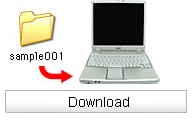 |
[1] Download the desired sample to your computer. |
 |
|
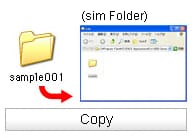 |
[2] Copy or move the downloaded file to the C:\Documents and Settings\All Users\Documents\KEYENCE\V-Works for XG folder. |
|
|
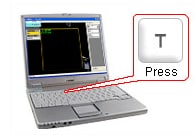 |
[3] Open XG VisionEditor, when the simulator starts, press the button indicated on the screen. |
|
|
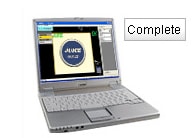 |
[4] View the sample programs.
|
- PLEASE
CONTACT US


